
Job Code: Multimedia
You can use the Multimedia tab to view, add or edit multimedia links associated with the selected job code.
To open the Multimedia tab, click the Multimedia tab from anywhere within an open job code.
 Multimedia screen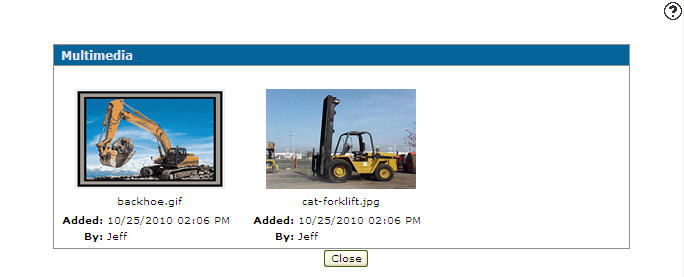
The Information fields on the Multimedia tab are:
| Information | |
|---|---|
| Field | Description |
| Job Code Number | The job code number. |
| Make | The equipment make associated with the job code. |
| Model | The equipment model associated with the job code. |
The fields on the Multimedia tab are:
| Field | Description |
|---|---|
| Added | The date and time the multimedia link was added. |
| By | The user who added the multimedia link. |
Click on a thumbnail to process the multimedia file.
Click on the Name of the link which appears under the thumbnail to edit the existing link.
Select the Click here to add a link from the IntelliDealer server link to add a new multimedia link from the system server.
Click on the Add an external link link to add an external multimedia link.
Click the Close button to complete your work on the Multimedia tab.