
John Deere eCommerce: Status Update Tool
This tool sends a manual status update for a John Deere eCommerce order received in the system.
Use this screen only as a last resort when a parts invoice is inaccessible in IntelliDealer and an additional status update must be sent.
To open the Status Update Tool, navigate to Configuration > Interfaces > John Deere > eCommerce and select the Status Update Tool tab.
Access requires the Access JD eCommerce Status Update Tool security switch in System 999 - Configuration. Navigate to Administration > Settings > Security and open the Systems tab.
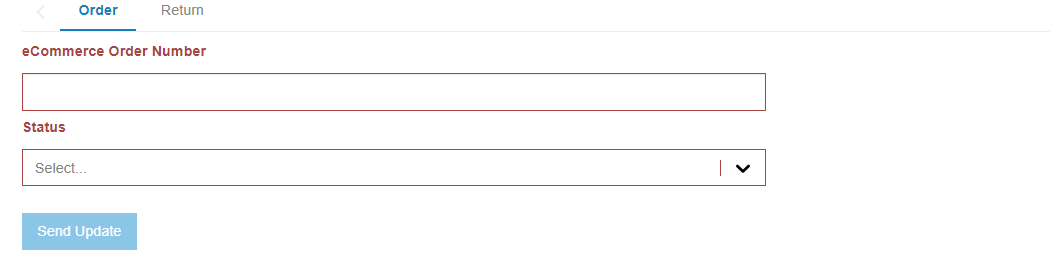
Order Tab
The Order tab updates order status using the eCommerce order number.
When you select Cancelled, a parts grid appears. Select the parts to cancel and select a Cancellation Reason from the drop-down list for each selected part. A reason is required for each selected part before you can send the update. If a reason is missing, an error message is displayed.
Valid cancellation reasons are:
-
Customer Canceled – No Longer Needed
-
Customer Canceled – Pricing Concern
-
Customer Canceled – Ordered Incorrect Item / Item Doesn't Fit
-
Out of Stock / No Restock Expected
-
Fraud Concern / OFAC Hold
-
Shipping Not Available
-
Not Covered Under Contract
-
Payment Failed
-
DBS System Error
-
Other
See John Deere eCommerce: Orders for the same cancellation behavior on the Update JD eCommerce screen.
Return Tab
The Return tab updates return status using a Return Merchandise Authorization (RMA) number.