
Reactivating a Work Order Quote
-
Navigate to Product Support > Service > Work Order Quoting.
-
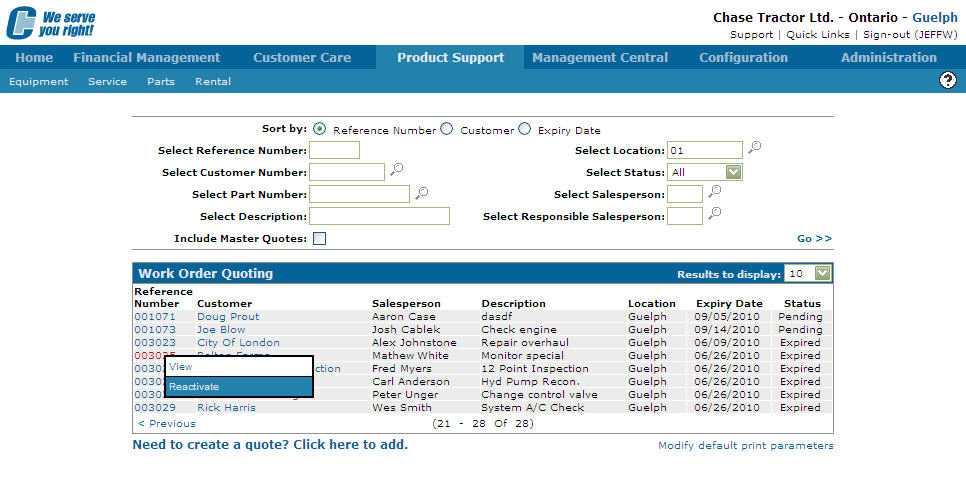
Move the cursor over an expired quote and select Reactivate from the pop-up menu.
-
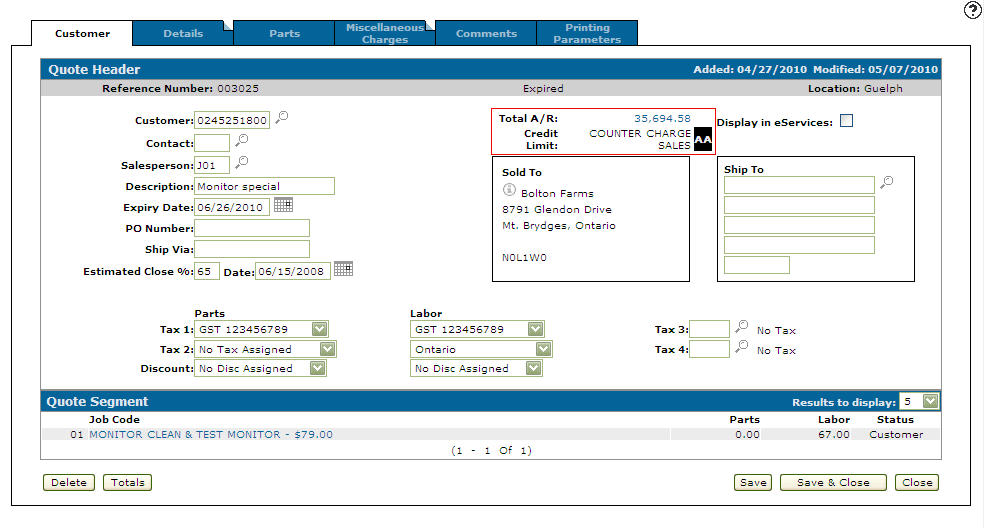
Set a new expiry date in the Expiry Date field to a future date - or - click the Calendar icon to select an expiry date from the Calendar screen.
The Customer - Quote Header tab appears listing the new Expiry Date.
-
Click Save & Close to change the status of the quote from expired to pending.
 The
The 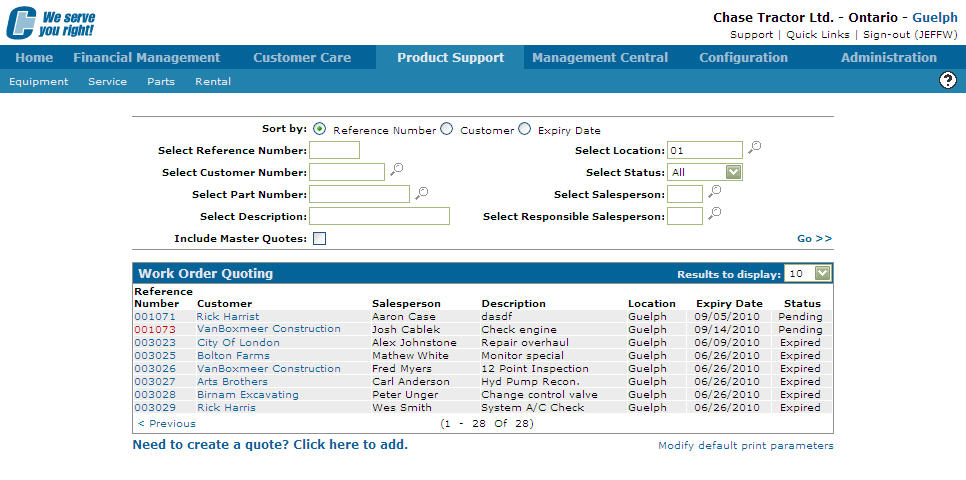
Security: 813 Product Support - Work Order Quoting
Revision: 2026.03