
Converting a Work Order Quote to a Parts Quote
-
Navigate to Product Support > Service > Work Order Quoting.
-
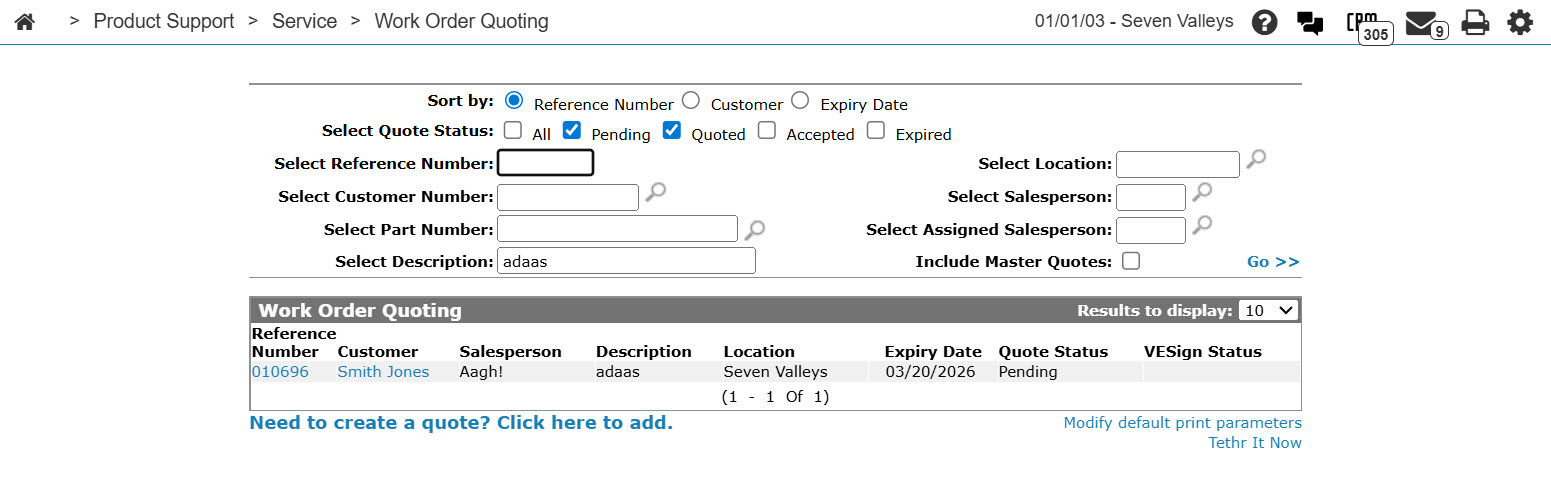
Select the quote status of Pending or Quoted, then fill out the remaining search fields and click Go >>.
-
Move the cursor over a Reference Number and select Edit from the pop-up menu.
-
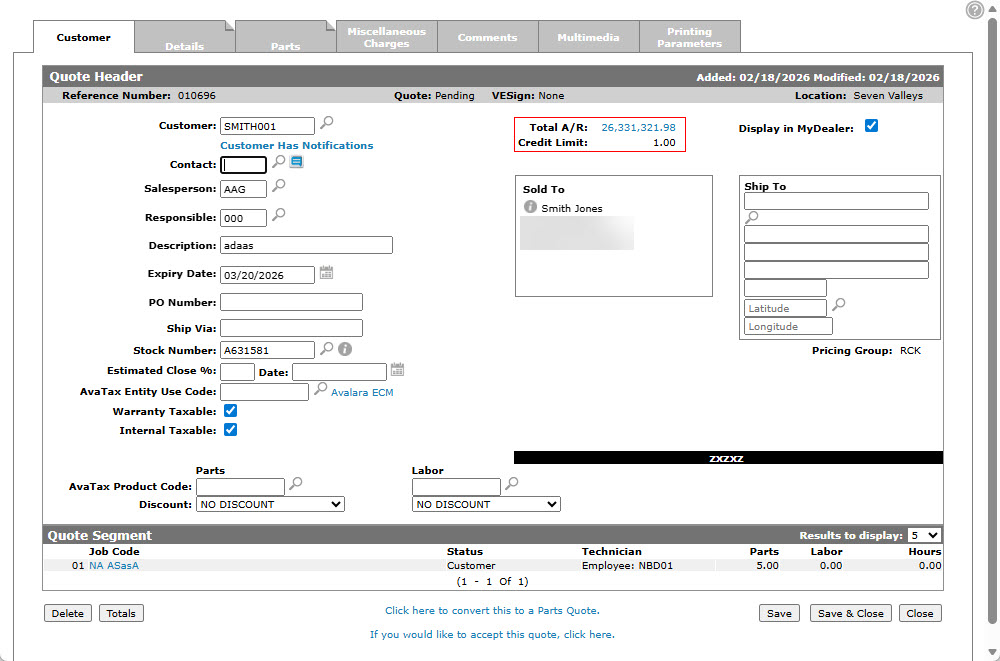
Click the Click here to convert this to a Parts Quote link.
A Confirmation screen appears.
-
Click the Yes button to convert the work order quote into a parts order quote.
The converted quote retains its Reference Number, but is listed on the Parts Quoting screen instead of the Work Order Quoting screen.
 The
The 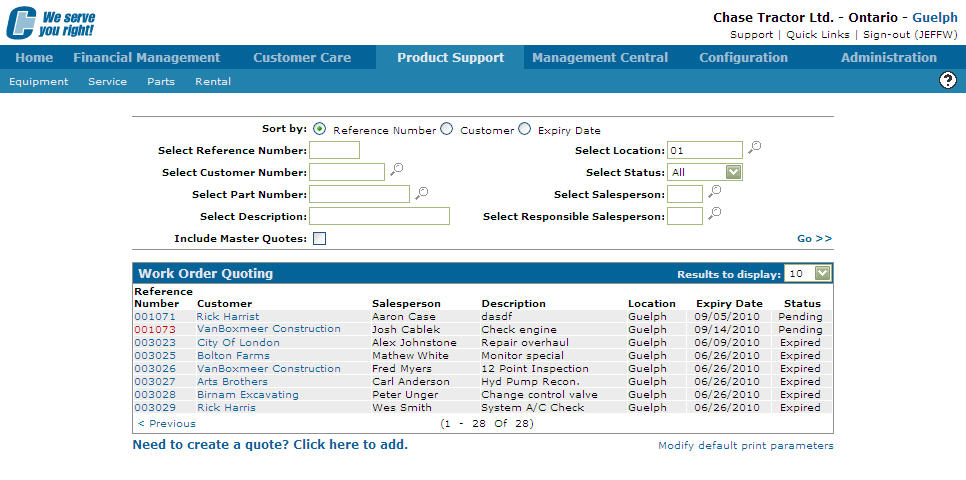
Security: 813 Product Support - Work Order Quoting, 822 Product Support - Parts Quoting
Revision: 2026.03