
-
Navigate to Product Support > Service > IntelliTech.
The Scheduled Work Orders screen will appear.
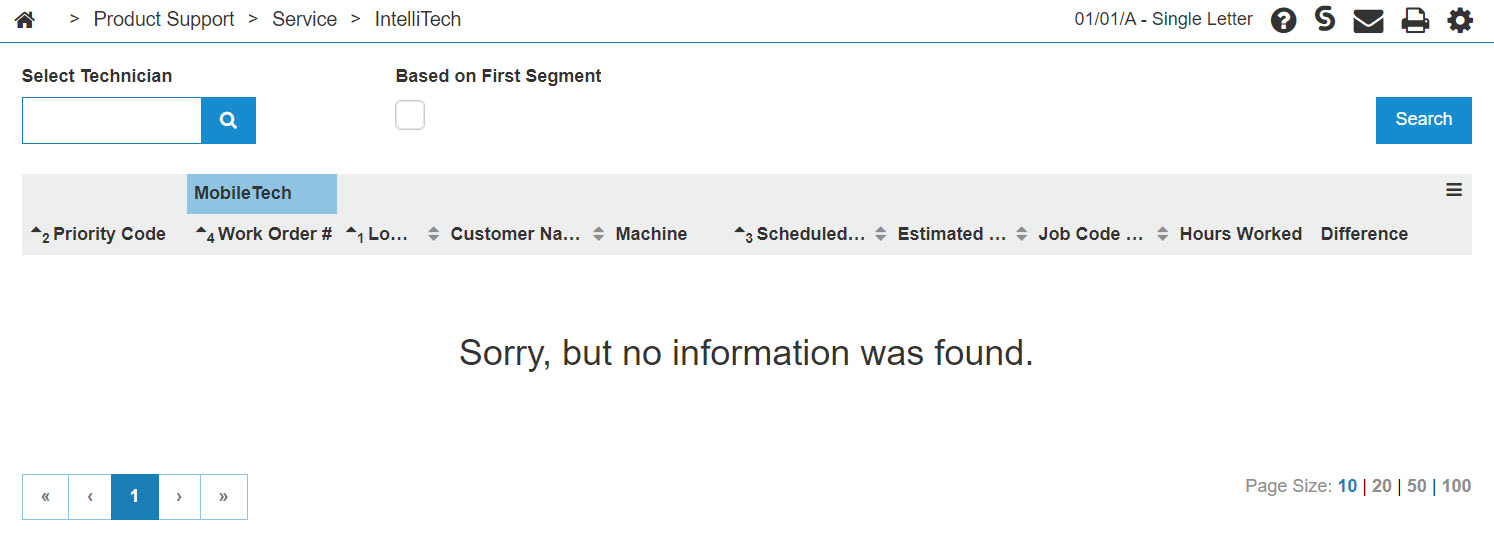
Scheduled Work Orders screen
-
On the Scheduled Work Orders screen, check the select technician field to make sure the technician number is correct.
Click the GO>> link to generate the work order search.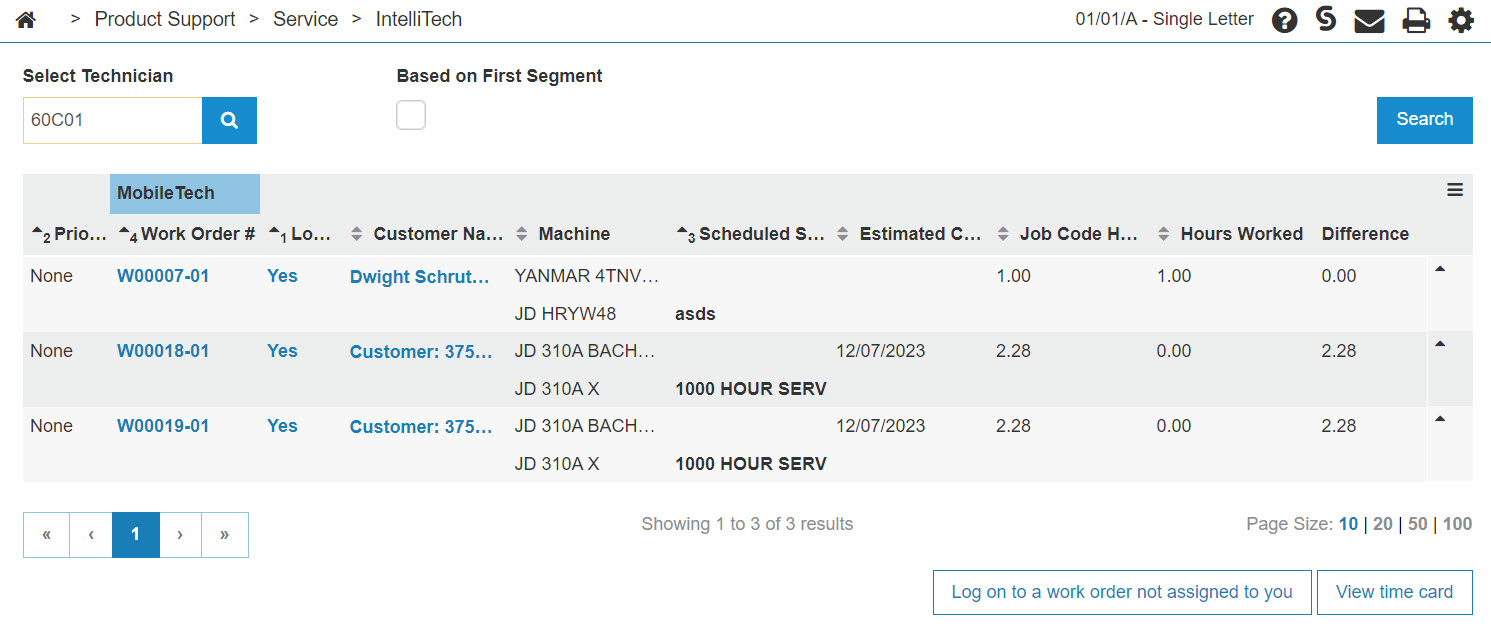
Updated Scheduled Work Orders screen
-
On the selected work order, click on the Yes link on the Log On field.
The Logged on screen will appear.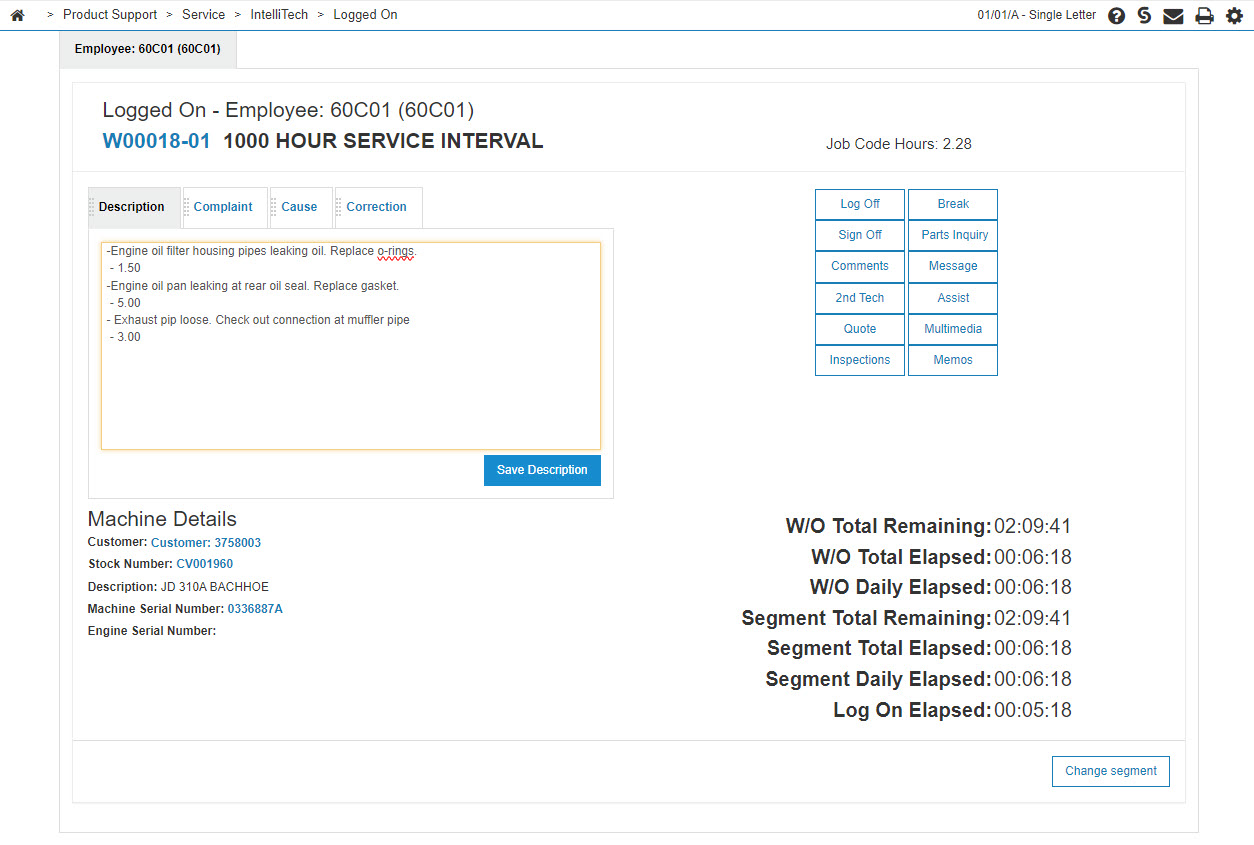
Logged on screen
-
On the Logged On screen, click on the Hours value.
The Update Hours screen will appear.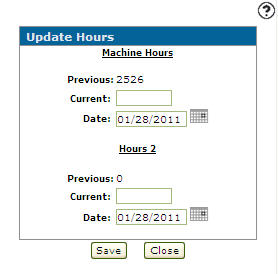
Update Hours screen
-
On the Machine Hours section on the Unit Hours screen, enter the Current hour reading.
-
Click on the Save button to update the unit's hour reading.