
Printing a Work Order
When printing a work order with billed segments, the complaint, cause, and correction for the billed segment is not printed.
-
From any IntelliDealer screen, navigate to Product Support > Service > Work Orders.
-
On the Open Work Orders screen, fill out the appropriate fields and click Search.
The Open Work Orders screen refreshes listing the generated search results.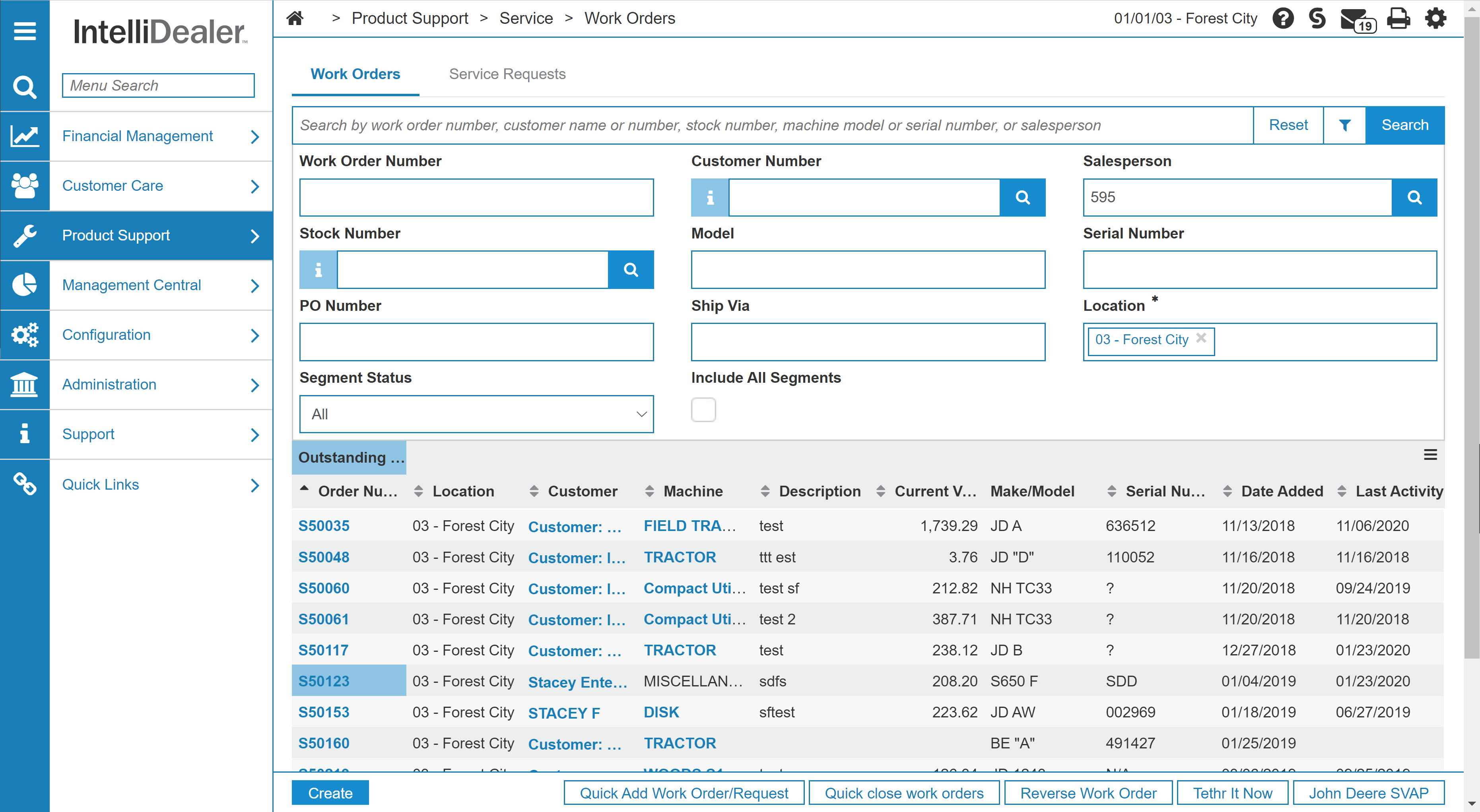
Open Work Orders screen
-
Hover over an Order Number and select Quick Print to print a PDF of the work order using the current settings of Work Order: Printing Parameters window.