
Viewing Work Order Totals
-
On the Work Order Header tab.
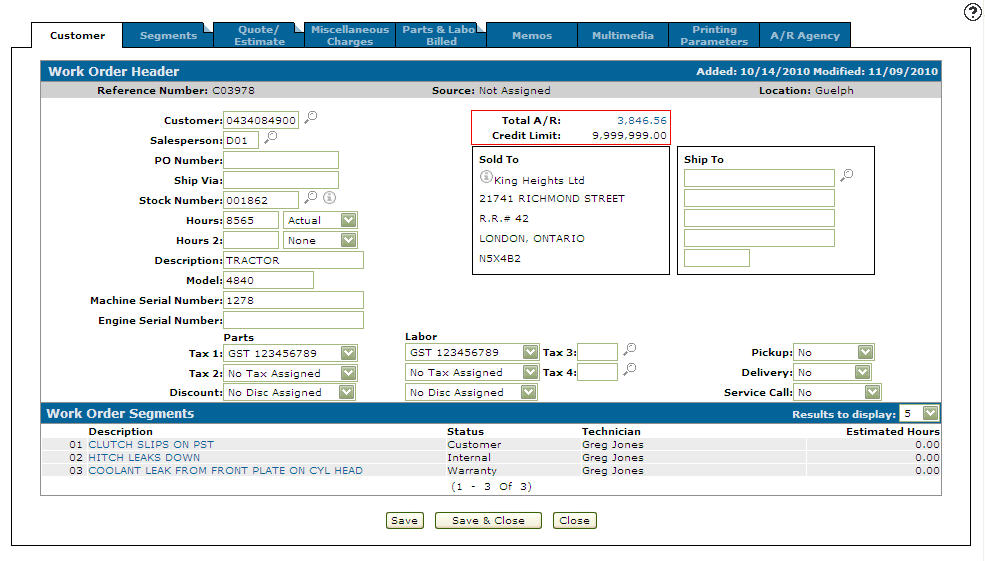
Work Order Header tab
-
Click on the Segments tab.
The Segments tab will appear.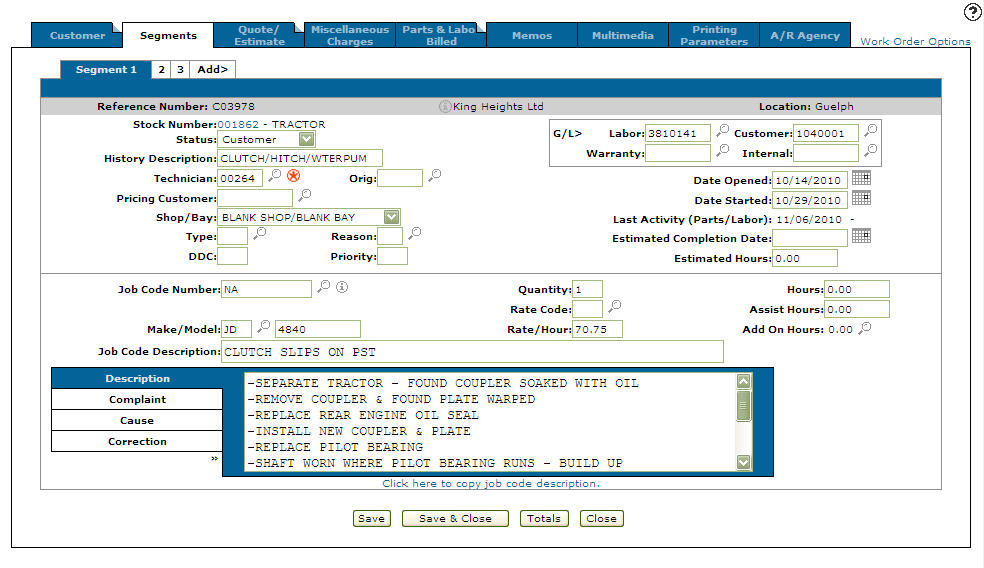
Segments tab
-
On the Segments tab, click on the Totals button.
The Totals screen will appear.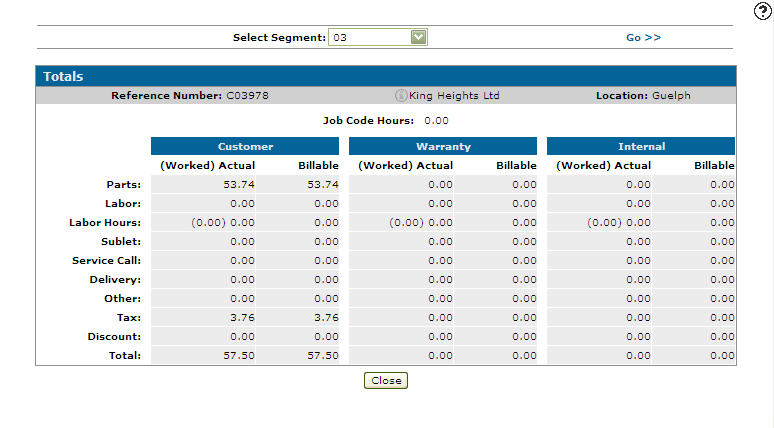
Totals screen
-
The Totals screen allows you to view the totals of all charges that have been posted to this work order. You can choose to view the totals for a specific segment or all segments.
-
You can also access the Totals screen from the Parts & Labor Billed tab, by clicking on the Totals button.
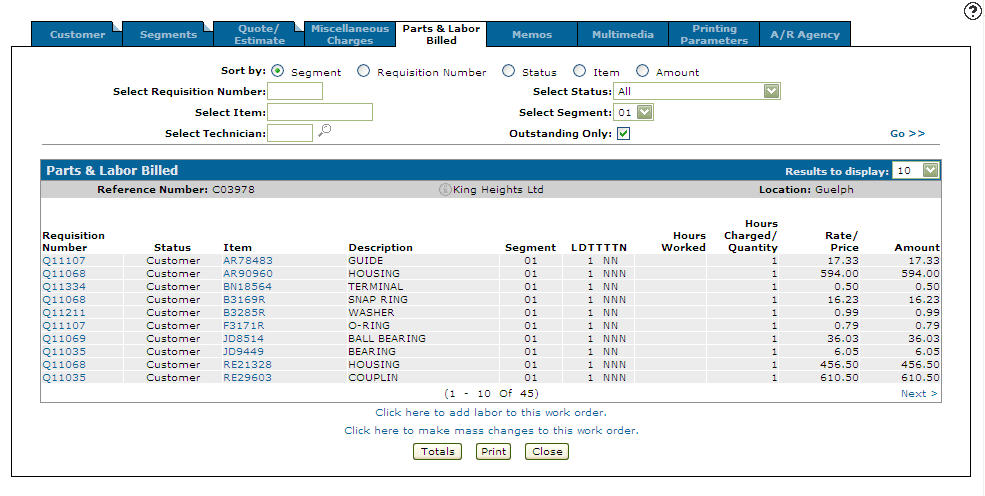
Parts & Labor Billed screen